You manage the profile
OpenRole works from the professional details you choose to save, including experience, education, skills, and contact information.
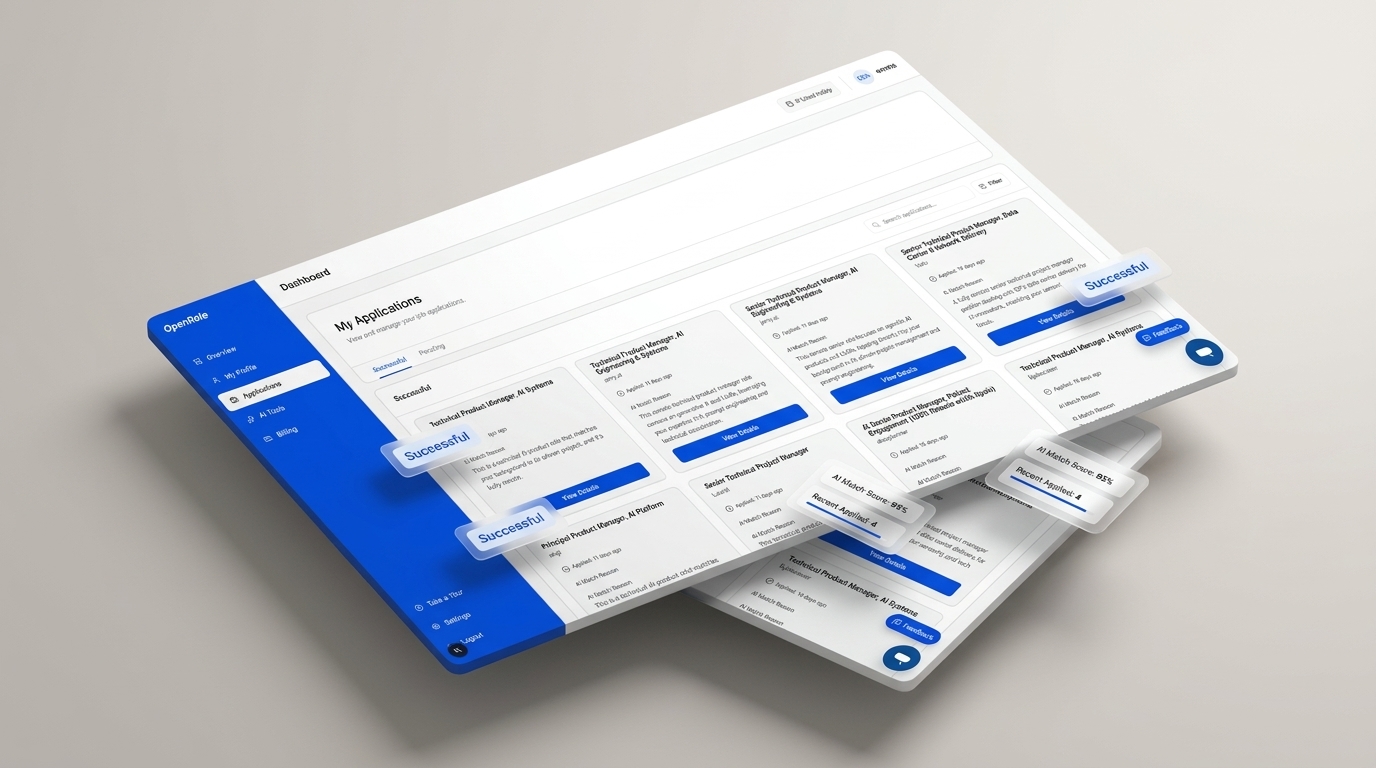
Stop typing the same work experience into repetitive job application forms over and over. OpenRole autofills Workday, Greenhouse, Lever, and Ashby forms in 1-click, tailors your resume to match job descriptions, and tracks every application in one dashboard.
On mobile? Create your profile now, then connect the Chrome extension when you return to your desktop.
Senior Frontend Engineer @ TechCorp
24 fields autofilled in 1.2 seconds across Workday ATS
Customized Resume + Cover Letter Draft
Aligned with target role requirements and keywords
Save your profile, prepare tailored application materials, and follow each opportunity from the same OpenRole dashboard.
OpenRole integrates seamlessly with ATS application platforms (Workday, Lever, Greenhouse, Ashby) and workspace tools (Slack, Google Calendar, Chrome Extension).
Reduce repetitive manual form entry, tailor application materials to specific job descriptions, and track each application in one place.
Instantly complete repetitive personal, experience, and education fields across Workday, Greenhouse, Lever, Ashby, and Workable forms.
Adapt your profile to generate role-specific resumes aligned with target job descriptions and key qualifications.
Draft role-specific cover letters highlighting your relevant accomplishments.
Keep submitted, active, and follow-up job opportunities organized in one centralized dashboard view.
Intelligent profile field mapping ensures your details populate correctly into supported ATS text fields.
Your data stays under your control. Review and edit all generated resumes and application fields before submitting.
OpenRole is designed to reduce repetitive application work, not hide what is being sent. You keep responsibility for reviewing your profile, resume, cover letter, and application details.
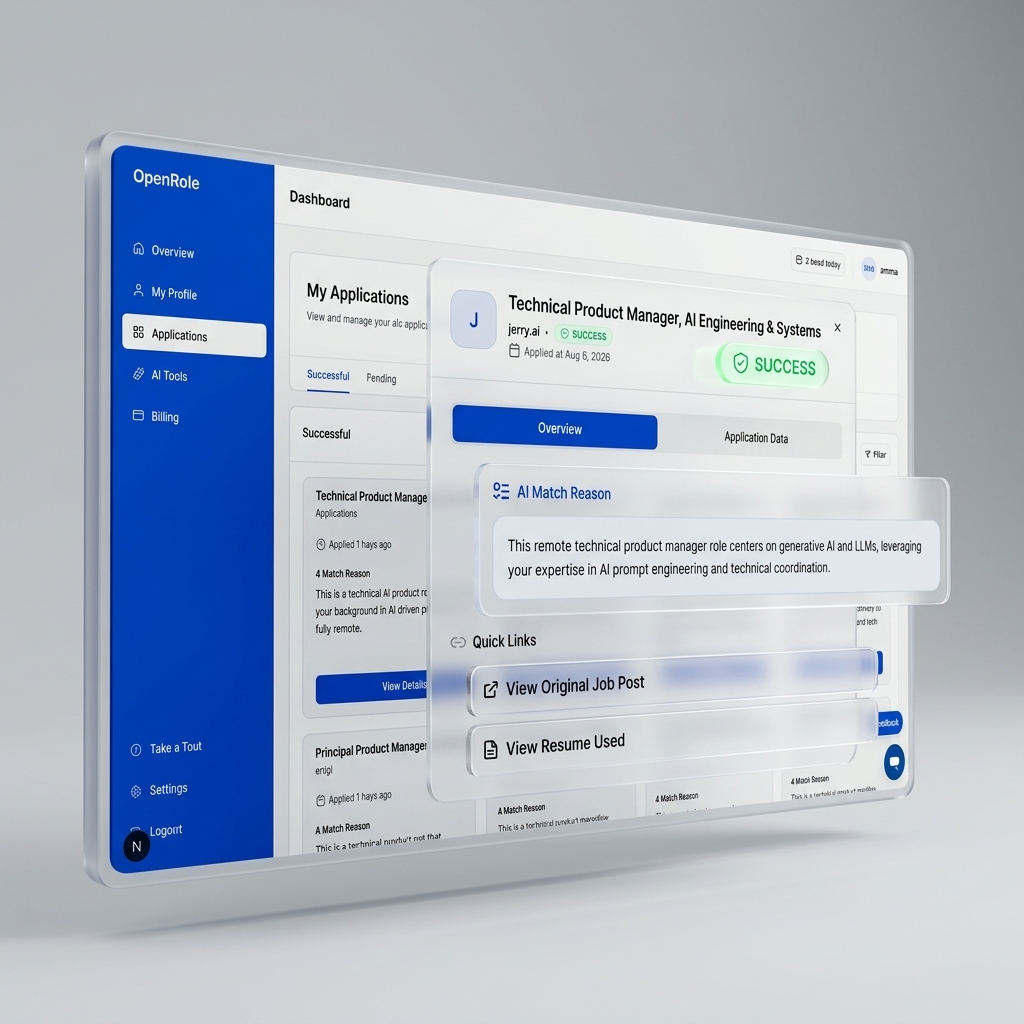
Add the work history, education, skills, and contact details you want available for applications.
Use OpenRole to fill supported forms faster and create resume or cover letter drafts for the role.
Review your information before applying, then manage application status and follow-up activity from your dashboard.
Job applications contain personal career data. OpenRole keeps the experience focused on your saved profile, visible application materials, and clear review points.
OpenRole works from the professional details you choose to save, including experience, education, skills, and contact information.
AI resume and cover letter drafts are meant to be reviewed and edited before you use them in an application.
The Chrome extension is described in the privacy policy as activating on job application pages and transmitting data when autofill is triggered.
Everything you need to know about autofill, resume tailoring, ATS compatibility, and account security.
Create your account to evaluate applicants with consistent standards, or explore candidate tools to streamline your job applications.